Pokémon · Authentication
Pikachu Illustrator: real vs fake
Pikachu Illustrator is one of the rarest and most faked cards in hobby history: genuine copies are vanishingly few, so any example should be assumed fake until confirmed by professional grading (PSA/CGC). Focus on its three unique markings – the word “Illustrator” at the top in place of “Trainer”, the pen icon in the bottom-right corner in place of the usual rarity symbol, and the double-star rarity – plus general print and stock tells. Use LegitCheck AI as a first filter – but the final word belongs to the grader.
What to check on the Pikachu Illustrator
Model-specific zones – on top of the brand-level signs.
Assume fake until graded
Only a handful of genuine Pikachu Illustrators exist while fakes number in the thousands. Treat any copy as fake until it is confirmed by professional grading (PSA/CGC) with a verifiable cert number.
Three unique markings
The card carries three unique markings: the word “Illustrator” at the top instead of “Trainer”, a pen icon in the bottom-right corner instead of the usual rarity symbol, and a double-star rarity. Check all three against reference photos of a genuine copy – but remember fakers copy them too.
Print under a loupe
Under a loupe a genuine card shows a clean rosette pattern with even colour. Blurry dots, moiré and muddy transitions give away a print made from a re-scanned image.
Card stock and light test
Against strong light a genuine card reveals a dark inner core layer; single-layer fakes glow through. The test is non-destructive – never bend or rip the card.
Fonts and overall look
Assess text kerning, symbol sharpness and cut quality. Any drifting colours, dull print or uneven edges are reason to walk away from the deal without grading.
Where to inspect
The key zones to photograph and check on this type of item – a schematic, not a product photo.
- 1Corners and cut
- 2Centering
- 3Surface and gloss
- 4Edges and plies
- 5Print rosette
The difference is in the details – drag the slider
Typical differences in workmanship: stitching consistency, edge finishing, detail quality. Left – factory quality, right – common replica flaws.
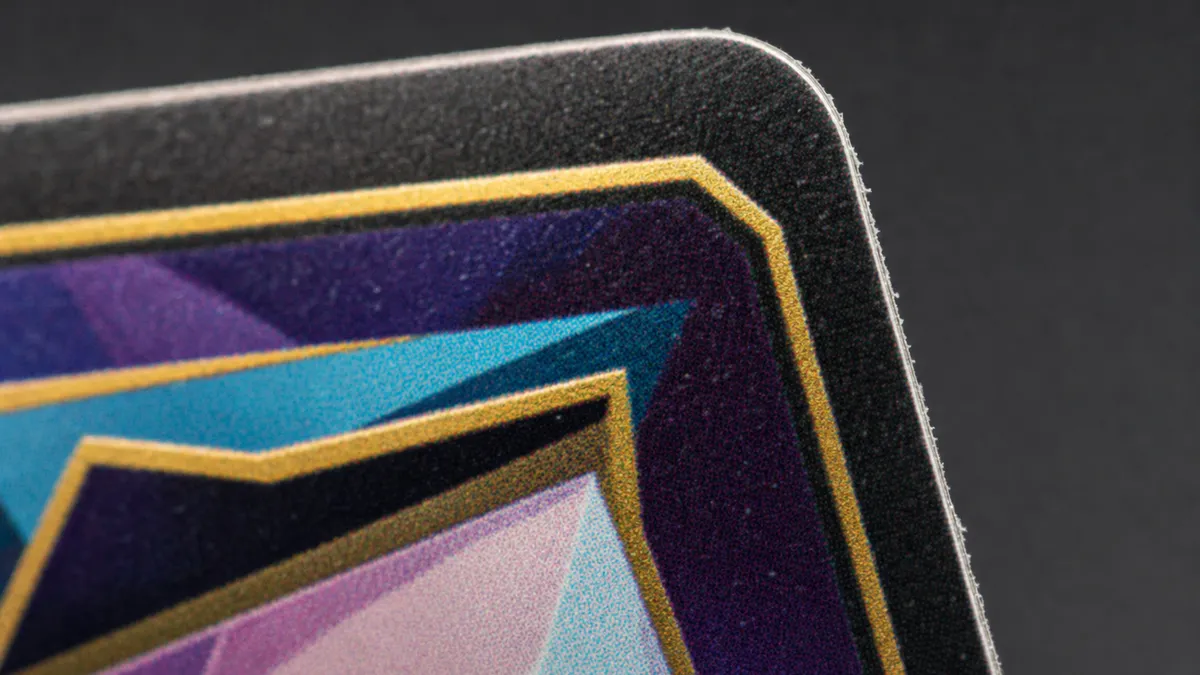 Replica
 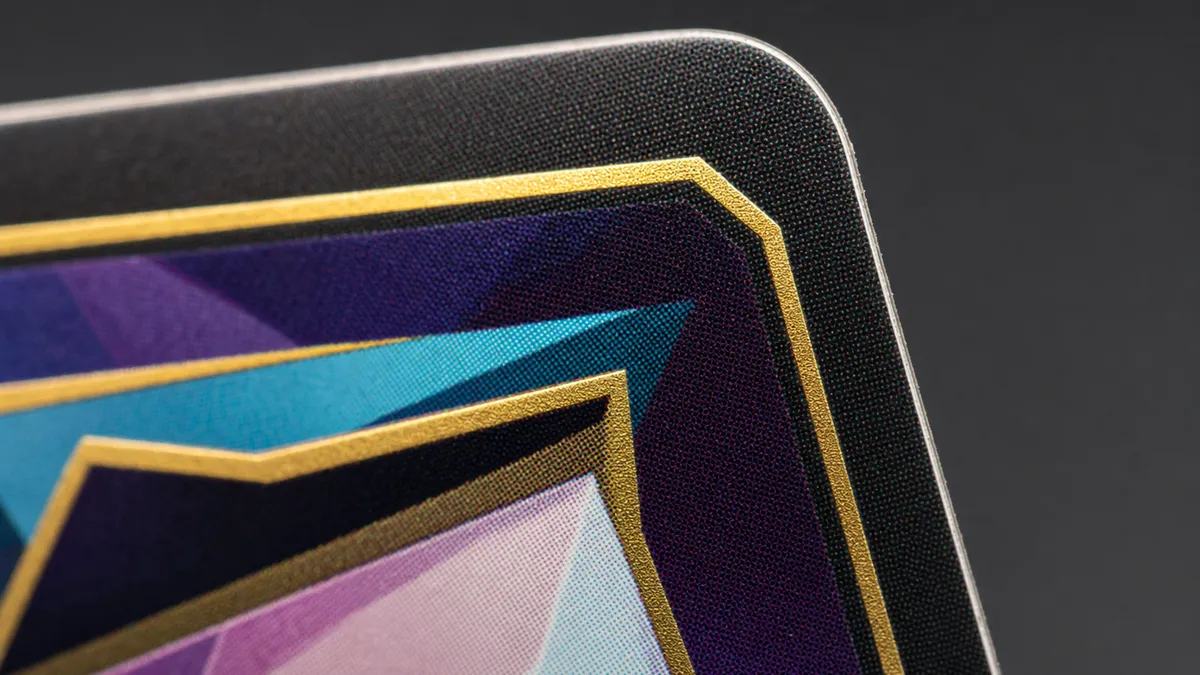 Authentic
 Photo angles for the check
- 1 Overall view
- 2 Logo / tag
- 3 Details & stitching
- 4 Material
Check your Pikachu Illustrator right now
Snap photos of your item and get an AI verdict with a confidence score in about a minute.
FAQ
Can I confirm a Pikachu Illustrator is real from photos?
Photos help rule out obvious fakes via print, stock and the three unique markings (the “Illustrator” wording, the pen icon, the double star), but a card this rare can only be authenticated by professional grading. Assume any copy is fake until it is in a PSA/CGC slab with a verified cert.
How do the Pikachu Illustrator markings differ from a normal card?
The card carries three unique markings: the word “Illustrator” at the top instead of “Trainer”, a pen icon in the bottom-right corner instead of the usual rarity symbol, and a double-star rarity. Check all three against a reference, but that alone is not enough – fakers copy them, so grading is required.
How do I verify the slab certificate?
Find the cert number on the PSA/CGC label and enter it in the grader’s online database, then match the card photo to the entry. For a card at this level this step is mandatory.
More Pokémon models
Other trading cards brands
Check another brand in this category: